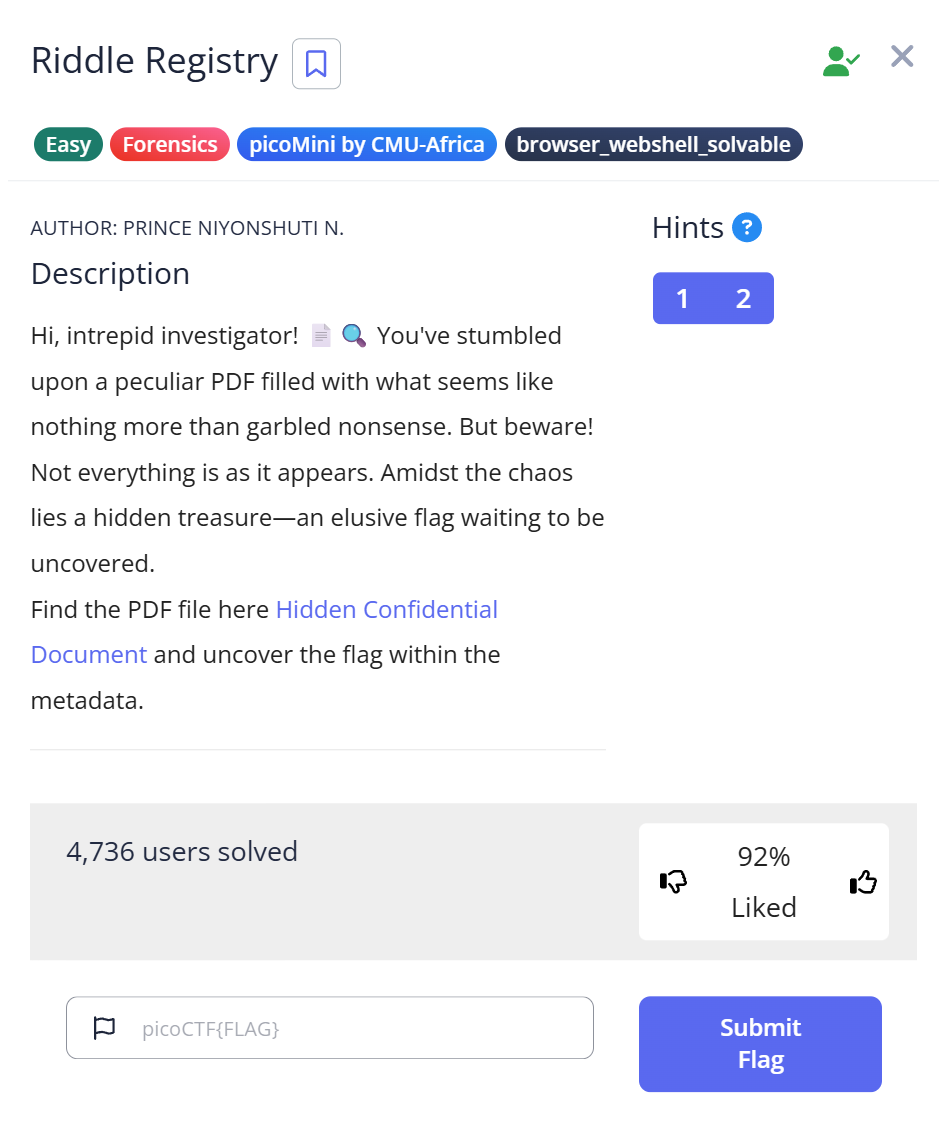
picoCTF Riddle Registry is a Forensics Easy challenge built around a redacted PDF — a document named confidential.pdf with black bars covering parts of the text. The instinct when you see a redacted PDF is to try to remove the redaction. I spent time on that approach before the actual answer turned out to be somewhere entirely different: the PDF’s own metadata, where the Author field contained the flag encoded as Base64.
The redacted PDF and the first wrong move
The download is a file called confidential.pdf. Confirming what it is:
$ file confidential.pdf
confidential.pdf: PDF document, version 1.7, 1 page(s)
Opening it shows a one-page document with black bars over sections of text. The visible portions don’t contain anything useful — no flag fragments, no obvious hints. The challenge name is “Riddle Registry,” which I initially read as hinting at a Windows Registry connection (registry hives sometimes appear in forensics challenges). That association didn’t lead anywhere for this challenge.
My first move was trying to remove the redaction. Black-bar redactions in PDFs are sometimes cosmetic overlays — a black rectangle drawn on top of text that’s still there in the underlying document. Copy-pasting the redacted area into a text editor sometimes retrieves the hidden text. That didn’t work here. Running strings confidential.pdf | grep -i flag returned raw PDF structure but no flag pattern.
pdfinfo: where the flag was hiding
PDF files store metadata in fields separate from the visual document content — author, title, creation date, producer software, and custom fields. The pdfinfo command reads all of them:
$ pdfinfo confidential.pdf
Author:          cGljb0NURntwdXp6bDNkX20zdGFkYXRhX2YwdW5kIV9lZTQ1NDk1MH0=
Producer:        PyPDF2
Custom Metadata: no
Metadata Stream: no
Tagged:          no
UserProperties:  no
Suspects:        no
Form:            none
JavaScript:      no
Pages:           1
Encrypted:       no
Page size:       612 x 792 pts (letter)
File size:       182705 bytes
PDF version:     1.7
The Author field contains cGljb0NURntwdXp6bDNkX20zdGFkYXRhX2YwdW5kIV9lZTQ1NDk1MH0=. The trailing = is Base64 padding — a standard artifact that appears when the original data length isn’t a multiple of three bytes. That single character is the tell. No legitimate author name ends with =.
Two other things stand out in the pdfinfo output: Producer: PyPDF2 means the PDF was generated programmatically with a Python library, not by a human using Word or Acrobat. And Custom Metadata: no means the challenge author used a standard field (Author) rather than a custom one to hide the flag — which makes pdfinfo sufficient without needing to dig into raw PDF streams.
Decoding the Author field
import base64
cipher = "cGljb0NURntwdXp6bDNkX20zdGFkYXRhX2YwdW5kIV9lZTQ1NDk1MH0="
plain = base64.b64decode(cipher).decode()
print(plain)
$ python3 decode.py
picoCTF{puzzl3d_m3tadata_f0und!_ee454950}
Flag: picoCTF{puzzl3d_m3tadata_f0und!_ee454950} — “puzzled metadata found.”
Full solve walkthrough
| Step | Action | Result | Note |
|---|---|---|---|
| 1 | Download confidential.pdf, run file | PDF document, version 1.7, 1 page | Standard PDF confirmed |
| 2 | Open PDF, try to read / copy redacted text | No result — redaction is not cosmetic overlay | Rabbit hole: redaction removal didn’t work |
| 3 | strings confidential.pdf | grep -i flag | No flag pattern in raw PDF text | Flag is in metadata, not document body |
| 4 | pdfinfo confidential.pdf | Author field contains Base64 string ending in = | PyPDF2 producer confirms programmatic creation |
| 5 | Decode Author field with Python base64.b64decode() | picoCTF{puzzl3d_m3tadata_f0und!_ee454950} | ✅ Flag |
Why metadata is a real hiding place
PDF metadata fields were designed to store document properties, not secrets. But they’re invisible in normal PDF viewers — you’d never see the Author field reading a document in Adobe Reader or a browser. This makes them a reliable place to embed data that survives casual inspection.
In real-world security contexts, PDF metadata has leaked sensitive information accidentally rather than intentionally: document author names revealing internal usernames, creation timestamps exposing timezone or work schedule, and template tool names fingerprinting the software stack. A security review of externally distributed PDFs should always include a metadata strip (exiftool -all= document.pdf) before publishing.
The challenge’s redacted content is also a real-world technique, but with a known weakness: PDFs created with simple overlay redactions (drawing a black rectangle over text rather than removing the underlying text) can often be unredacted by selecting and copying the covered text. Proper redaction requires removing the underlying content, not just covering it. The Mast General Store data leak (2022) and several court document disclosure failures happened because lawyers submitted PDFs with overlay-only redactions that any reader could remove. This challenge simulates that setup, though the flag ends up being in the metadata rather than behind the redaction.
What I’d do differently next time
Run pdfinfo immediately after file on any PDF challenge — before trying to interact with the visual document content. Metadata is the first place to check on a file that “shouldn’t have” a flag visible in its content. The redaction misdirection only works if you look at the document rather than at the file’s structural metadata.
The = padding character at the end of a metadata value is an immediate tell for Base64. Legitimate metadata values — author names, software names, dates — don’t end with =. When you see it, don’t even finish reading the rest of the field: it’s encoded data. The same rule applies anywhere you find unexpected =-terminated strings: HTML attributes, HTTP headers, config file values, log entries.
Further Reading
Riddle Registry is part of the picoCTF Forensics category. CTF Forensics Tools: The Ultimate Guide for Beginners covers the first-pass workflow for any forensics challenge — including the exiftool + pdfinfo metadata check that applies to images and PDFs alike before any content analysis.
For a challenge where the metadata clue was an acrostic hidden in a poem rather than a raw Base64 string, the RED writeup shows how exiftool surfaced a custom Poem field in a PNG that spelled out “CHECKLSB” — a different metadata approach but the same underlying insight: check the file’s structural data before its visual content.
If you want to see how Base64 encoding layers appear in a challenge that chains multiple file types together, the Flag in Flame writeup covers a logs.txt file that decoded to a PNG with a hex-encoded flag inside — two encoding layers stacked, both identified from character distribution rather than from the file name.
Leave a Reply