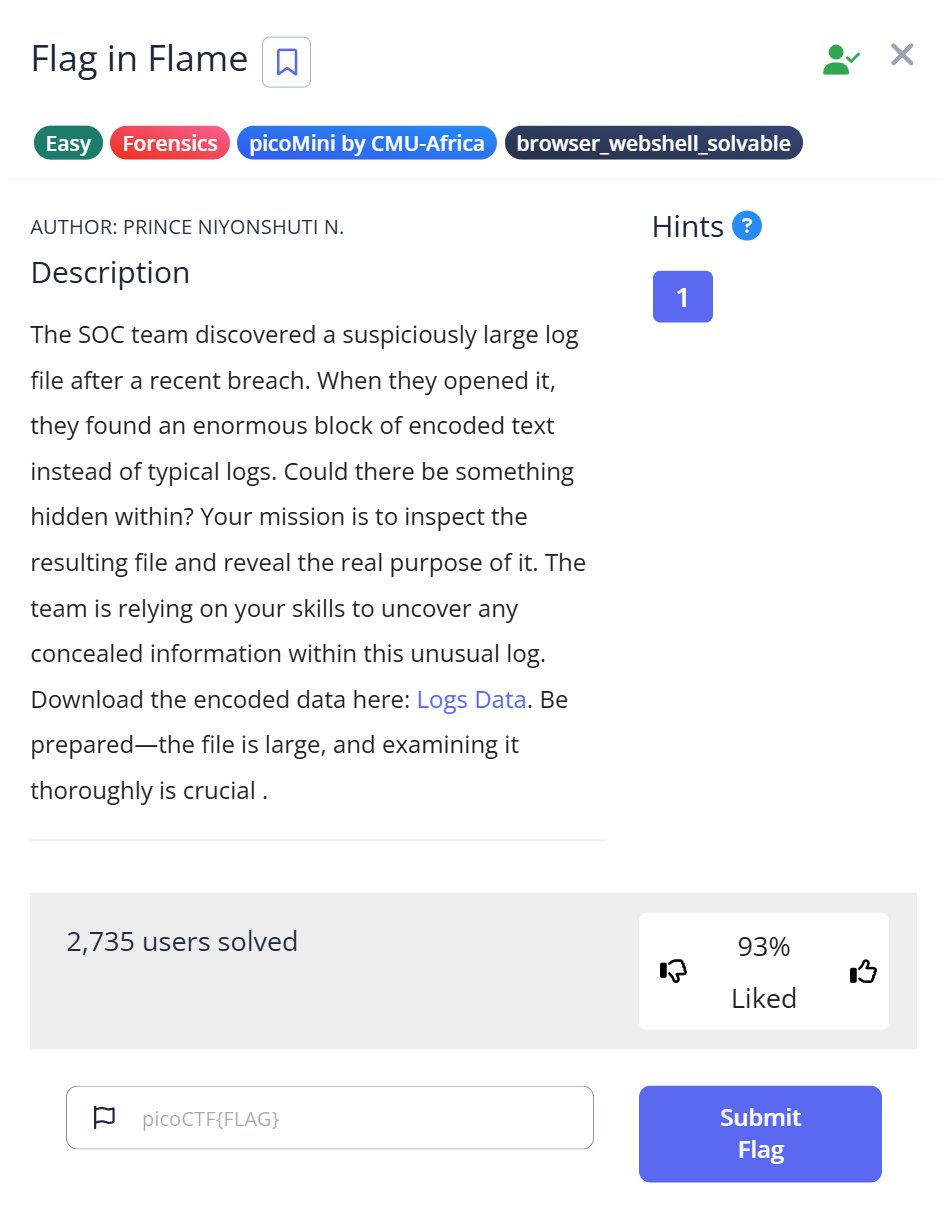
picoCTF Flag in Flame is a Forensics Easy challenge that chains two encoding layers: a text file that’s actually Base64, decoding to a PNG, which contains the flag as a hex string printed inside the image. The challenge name says “Flame” and the file is called logs.txt — both are misdirection designed to make you treat it as a server log rather than an encoded binary. I spent a few minutes grepping through it looking for timestamp patterns before the file command output stopped me cold.
The file that refused to look like a log
The challenge provides a single download: logs.txt. The name and the .txt extension suggest a server log — lines with timestamps, HTTP status codes, request paths. I opened it and immediately hit a wall of characters:
$ file logs.txt
logs.txt: ASCII text, with very long lines (65536), with no line terminators
Two things in that output mattered: 65536 characters on a single line, and no line terminators. A real log file has one entry per line. A file with no line breaks and 65,536 characters in one continuous run is almost certainly an encoded binary — the most common culprit being Base64.
I still tried strings logs.txt | grep -i "picoctf\|flag" out of habit. It returned nothing useful — just a wall of the same Base64 character stream. That confirmed the content wasn’t plain text with something embedded; the entire file was the encoding. The lack of any recognizable words or patterns in the strings output was the second signal: genuine log data would have HTTP verbs, IP addresses, status codes, paths.
Recognizing Base64 without seeing an obvious header
Base64 encodes binary data using only the characters A–Z, a–z, 0–9, +, /, and = (for padding). If a file contains a very long run of those characters with no spaces, newlines, or other punctuation, it’s almost always Base64. The “65536” in the file command output isn’t a random number — it’s the maximum line length that the file utility reports; it means the actual line is at least that long.
Other encodings to rule out: hex strings use only 0–9 a–f (or uppercase), and are usually shorter. Base64 uses a broader character set and produces output that is roughly 4/3 the size of the original binary. A 65,536+ character Base64 string decodes to roughly 49,000+ bytes of binary data — large enough to be an image or other file.
Decoding Base64 to reveal the hidden PNG
Decoding the file and writing the binary output:
$ cat logs.txt | base64 -d > log.dat
$ file log.dat
log.dat: PNG image data, 896 x 1152, 8-bit/color RGB, non-interlaced
The text file was a Base64-encoded PNG all along. 896×1152 pixels — portrait orientation, larger than a typical CTF challenge image. I renamed it and opened it:
$ cp log.dat log.png
Note: base64 -d decodes stdin to stdout, so piping through cat works, or you can use base64 -d logs.txt > log.dat directly. Using >> (append) instead of > (overwrite) on repeated runs would concatenate multiple copies — use >.
What the image contained
Opening the PNG revealed text printed inside the image — a long string of hexadecimal characters:
7069636F4354467B666F72656E736963735F616E616C797369735F69735F616D617A696E675F61633165333538347D
The character set is 0–9 and A–F only, which means hexadecimal encoding. The length — 90 hex characters — is 45 bytes, which is about right for a picoCTF flag. Decoding it in Python:
hex_string = "7069636F4354467B666F72656E736963735F616E616C797369735F69735F616D617A696E675F61633165333538347D"
decoded_text = bytes.fromhex(hex_string).decode('utf-8')
print(decoded_text)
$ python3 decode.py
picoCTF{forensics_analysis_is_amazing_ac1e3584}
Flag: picoCTF{forensics_analysis_is_amazing_ac1e3584}
Full solve walkthrough
| Step | Action | Result | Note |
|---|---|---|---|
| 1 | Download logs.txt, run file logs.txt | ASCII text, 65536-char single line, no terminators | No line breaks = not a real log file |
| 2 | strings logs.txt | grep flag | No results | Entire file is the encoding — not plain text with hidden data |
| 3 | base64 -d logs.txt > log.dat | Binary file written | Base64 decode of the single-line content |
| 4 | file log.dat | PNG image data, 896×1152, RGB | The “log file” was actually an image |
| 5 | cp log.dat log.png, open image | Image shows long hex string | Flag is printed inside the image as text |
| 6 | Decode hex string in Python | picoCTF{forensics_analysis_is_amazing_ac1e3584} | ✅ Flag |
Why name it logs.txt?
The file naming is deliberate misdirection. A forensics analyst handed a file called logs.txt will instinctively look for timestamp patterns, HTTP status codes, error messages — the structure of a real server log. That instinct delays the question “what format is this data actually in?”
The real-world parallel is intentional. Attackers sometimes encode exfiltrated data as Base64 and embed it inside legitimate-looking files — log files, configuration files, even image files. The content blends into the noise of a large filesystem. A forensic investigator who only skims files by name and extension will miss it; one who checks the actual byte structure won’t.
The double encoding (Base64 → binary, then hex text embedded in the resulting image) adds another layer: even if you decode the Base64 correctly and get the PNG, if you reach for steganography tools before just looking at the image, you’re adding unnecessary work. Sometimes the flag is literally painted on the image in readable text.
Identifying encoding type from character set
A quick reference for recognizing encoding from character distribution:
| Characters present | Likely encoding | Decode with |
|---|---|---|
A–Z a–z 0–9 + / = | Base64 | base64 -d / Python base64.b64decode() |
0–9 a–f only (or A–F) | Hex | xxd -r -p / Python bytes.fromhex() |
A–Z only (shifted) | ROT13 / Caesar | tr 'A-Za-z' 'N-ZA-Mn-za-m' / Python codecs.decode(s, 'rot_13') |
| Dots and dashes | Morse code | Manual lookup / online decoder |
| Binary digits only | Binary / BCD | Python int(s, 2).to_bytes(...) |
The flag hex string in this challenge uses uppercase A–F, which is a style convention — Python’s bytes.fromhex() handles both upper and lowercase without modification.
What I’d do differently next time
Run file on every downloaded file before doing anything else — and actually read the output. “No line terminators” in combination with a 65,536-character line length is a specific pattern that immediately rules out human-readable logs and points toward encoded binary. The five minutes I spent grepping through Base64 characters looking for timestamp patterns would have been zero if I’d processed that output first.
Also: after getting the PNG, open it visually before running any steganography tools. If the flag is printed as text in the image, you’ll find it in two seconds. Save the specialized tools for when the image looks clean.
Further Reading
Flag in Flame is part of the picoCTF Forensics category. CTF Forensics Tools: The Ultimate Guide for Beginners covers the full decision process for forensics challenges — including the first-pass workflow of file + strings + binwalk that applies to any unknown file before reaching for specialized tools.
For a challenge that hides data in image metadata rather than inside the image visually, the RED writeup shows how exiftool finds a hint in a custom metadata field — a case where the flag direction was spelled out in the file’s own metadata rather than encoded in the pixel data.
If the encoding had been something other than Base64 — say, a ROT13-encoded hint in an HTML comment — the Includes writeup covers how the same “read the source before reaching for a proxy” principle applies to web challenges where the answer is sitting in plain-text file comments.
Leave a Reply