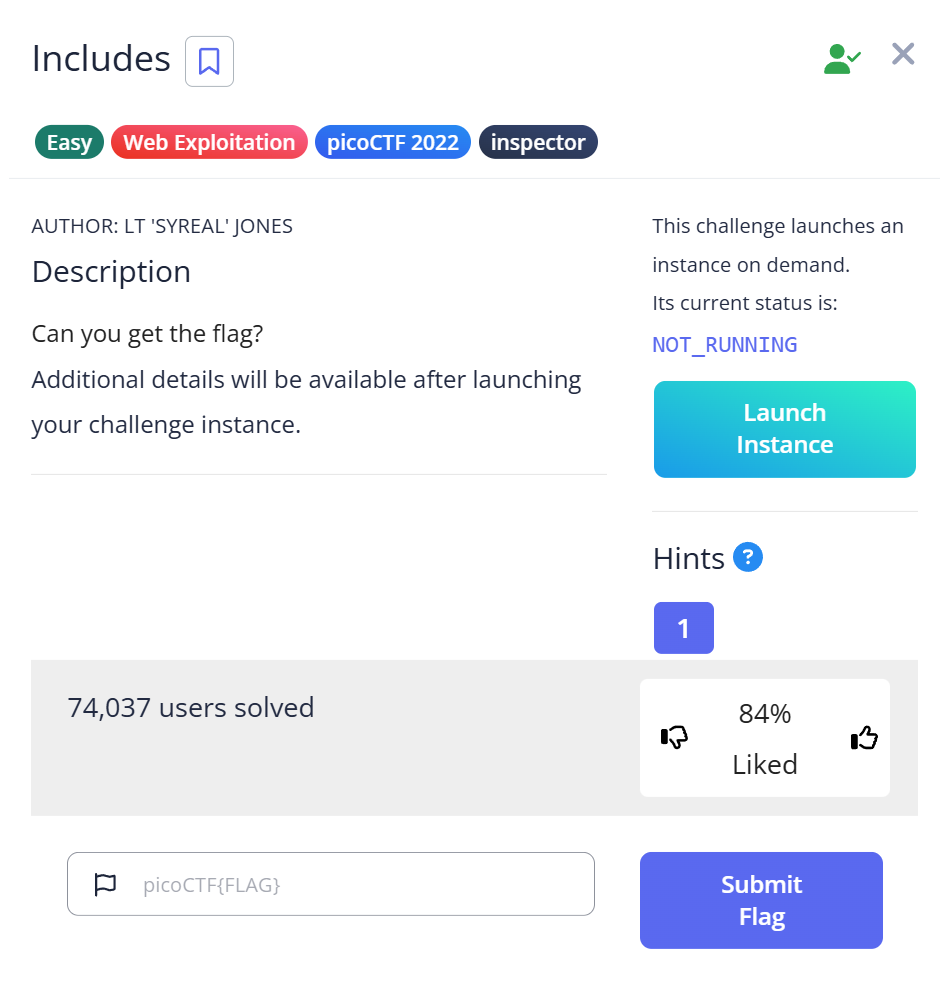
picoCTF Includes is a Web Exploitation Easy challenge where the flag is split across two static files — a CSS file and a JavaScript file — each hiding one fragment in a comment. The trick isn’t finding the files (the page source shows both); the trick is realizing there are two fragments, not one, and that a closing brace without an opening one means you’re missing something. I found the second half first, thought I’d found everything, stared at // f7w_2of2_6edef411} for a few minutes wondering what f7w meant as a standalone flag, then went back and found the CSS file.
The challenge page and the first hint
After starting the challenge instance, the page shows a single button: “Say Hello.” Clicking it triggers a popup with the message:
This code is in a separate file!
That’s the entire hint. The popup is telling you to look for an external JavaScript file rather than inline <script> tags. This is also why I initially reached for BurpSuite — the popup behavior made me think there might be a network request containing useful information. There wasn’t. BurpSuite shows you the HTTP traffic, but all the relevant content here is static: it’s already sitting in the page source, not being transmitted dynamically.
Browser DevTools (F12) is sufficient and faster. The Network tab shows every file the page loaded; the Sources tab shows their content directly.
Reading the page source
View the page source directly (view-source: prefix in the browser URL bar, or Ctrl+U):
<!DOCTYPE html>
<html lang="en">
  <head>
    <link rel="stylesheet" href="style.css">
    <title>Includes</title>
  </head>
  <body>
    <button type="button" onclick="greetings();">Say hello</button>
    <script src="script.js"></script>
  </body>
</html>
Two external files: style.css and script.js. The button calls greetings(), which is defined in script.js. The popup told me to look there, so that’s where I went first.
script.js: the second half first
Navigating to /script.js (or fetching it with curl):
$ curl http://[challenge-url]/script.js

function greetings()
{
  alert("This code is in a separate file!");
}

//  f7w_2of2_6edef411}
There it is — a JavaScript comment at the bottom: // f7w_2of2_6edef411}
This is where I got stuck for a few minutes. The string ends with }, which looks like it could be the end of a flag. But f7w_2of2_6edef411} doesn’t start with picoCTF{ — it’s clearly a fragment, not the full flag. The 2of2 in the middle is the tell: this is the second of two parts. There’s a first part somewhere.
I had almost closed the tab assuming I’d found the flag and misread it. The 2of2 notation saved me — it’s an explicit hint embedded in the fragment itself that there’s a 1of2 somewhere.
style.css: the first half was in the stylesheet
Navigating to /style.css:
$ curl http://[challenge-url]/style.css

body {
  background-color: lightblue;
}

/*  picoCTF{1nclu51v17y_1of2_  */
The first fragment is in a CSS block comment: /* picoCTF{1nclu51v17y_1of2_ */
Combine the two in order:
style.css:   picoCTF{1nclu51v17y_1of2_
script.js:                              f7w_2of2_6edef411}

Flag: picoCTF{1nclu51v17y_1of2_f7w_2of2_6edef411}
Why the CSS file was easy to miss
When a challenge mentions a button calling a JavaScript function, your attention goes to the JavaScript file. The CSS file feels like boilerplate — it controls how the page looks, not how it behaves. In this challenge, that assumption is the trap. The flag is intentionally split between a “functional” file (JS) and a “presentational” file (CSS) to force you to check both.
The same pattern appears in real-world security issues. Developers sometimes leave credentials, API keys, or internal comments in static asset files under the assumption that nobody reads CSS or JS closely. Bug bounty reports regularly include API keys committed to JavaScript bundles, and web application audits often turn up internal endpoint URLs in minified JS files that were never meant to be public. Automated scanners specifically search for strings like password, api_key, secret, and Base64-encoded data inside these files. The reason challenges like this exist is to build the habit of checking every file a page loads — not just the HTML.
Full solve walkthrough
| Step | Action | Result | Note |
|---|---|---|---|
| 1 | Start challenge instance, visit URL | Page with “Say Hello” button | — |
| 2 | Click “Say Hello” | Popup: “This code is in a separate file!” | Hints at external JS |
| 3 | Open BurpSuite to intercept traffic | No dynamic requests with flag data | Rabbit Hole — static content doesn’t need BurpSuite |
| 4 | View page source (Ctrl+U) | Finds script.js and style.css | Both listed in <head> and <body> |
| 5 | Navigate to /script.js | Flag fragment: // f7w_2of2_6edef411} | “2of2” signals a second part exists |
| 6 | Almost close tab, then notice “2of2” | Realize there must be a “1of2” | The fragment is self-labeling |
| 7 | Navigate to /style.css | Flag fragment: /* picoCTF{1nclu51v17y_1of2_ */ | CSS comment, different syntax from JS |
| 8 | Concatenate in order | picoCTF{1nclu51v17y_1of2_f7w_2of2_6edef411} | ✅ Flag |
The BurpSuite trap: when to use it and when not to
BurpSuite is the right tool for challenges that involve HTTP requests with parameters, cookies, server-side logic, or authentication. For this challenge, using BurpSuite would show you the same CSS and JS files you’d find by just reading the page source — but with more setup overhead.
The diagnostic question before reaching for BurpSuite: is the data being transmitted in a request, or is it already in the static files the browser downloaded? If the page source links to external CSS and JS files with visible paths, start by reading those files directly. BurpSuite adds value when you need to modify a request (change a parameter, replay it, test injection) — not when you need to read static content that’s already publicly accessible.
For this challenge, the browser DevTools Network tab shows every file loaded in order. The Sources tab lets you browse the file tree and read CSS and JS content inline. Either is faster than configuring a proxy for what amounts to fetching two static files.
Comment syntax by file type: a quick reference
One thing this challenge reinforces: different file types use different comment syntax, and scanners need to know all of them to find hidden data.
| File type | Comment syntax | Example |
|---|---|---|
| JavaScript | // single line | // f7w_2of2_6edef411} |
| JavaScript | /* block */ | /* hidden data */ |
| CSS | /* block only */ | /* picoCTF{1nclu51v17y_1of2_ */ |
| HTML | <!-- comment --> | <!-- admin panel at /secret --> |
| Python | # single line | # password = abc123 |
| PHP | // or /* */ | // TODO: remove debug key |
CSS doesn’t support single-line // comments (the // notation is only valid in JavaScript). If you see a flag fragment in a CSS file, it will always be inside /* */. This distinction matters when writing grep patterns to search for hidden data across a web application’s static files:
# Search for picoCTF flag pattern across all downloaded files
grep -r "picoCTF{" ./downloaded_site/
grep -r "flag{" ./downloaded_site/

# Search inside comments specifically
grep -r "/\*.*flag" ./downloaded_site/
grep -r "//.*flag" ./downloaded_site/js/
If a page loads many static files, mirror the entire site first rather than fetching files one by one: wget --mirror --convert-links --adjust-extension -P ./downloaded_site/ [challenge-url]. This downloads every CSS, JS, font, and image the page references. A single grep pass over the mirrored directory then covers everything in one shot — no risk of missing a file you didn’t know existed.
What I’d do differently next time
Check every linked static file before doing anything more complex. The browser loads CSS and JS automatically; the Network tab shows exactly what was fetched. Skipping to BurpSuite before reading the source is jumping a step — the flag was in plain sight, just not in the HTML itself.
Also: when a flag fragment contains Nof2 or NofM notation, that’s the challenge explicitly telling you how many parts there are. 1nclu51v17y_1of2_ says there are two parts; you have the first one; look for the second. The leet-speak in the flag name (“1nclu51v17y” = “inclusivity”) is also hinting at the multi-file theme — nothing is complete on its own.
Further Reading
Includes is part of the picoCTF Web Exploitation category. If you’re building out your web forensics approach, CTF Forensics Tools: The Ultimate Guide for Beginners covers which tools apply to which challenge types — static source analysis, dynamic request interception, and when each is appropriate.
For challenges that hide data inside binary files rather than source code comments, strings in CTF covers extracting readable text from compiled binaries — the same instinct of “look for readable content inside the file” applied to a different file format.
If the page had used a dynamically generated response instead of static files, Ph4nt0m 1ntrud3r shows how to handle network-captured traffic where the data is inside TCP payloads rather than static assets.
Leave a Reply