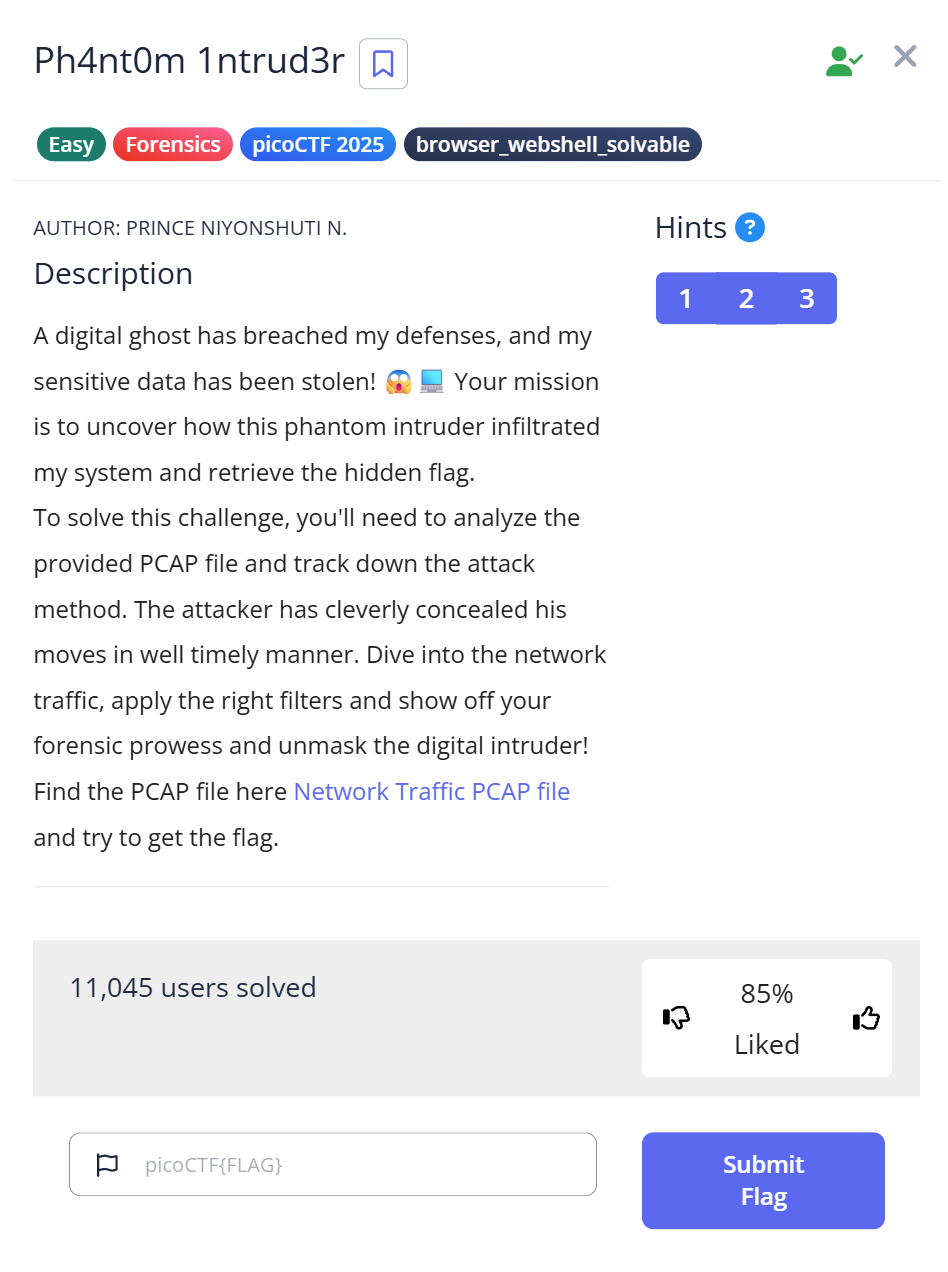
picoCTF Ph4nt0m 1ntrud3r does something most network forensics challenges don’t bother with: it sends the flag fragments in the wrong order on purpose. The packets arrive out of sequence by timestamp, and if you read them in arrival order — which is the default in Wireshark — you get a scrambled Base64 mess that decodes to nonsense. I spent a solid twenty minutes on this before realizing the challenge wasn’t a cipher. It was a sorting problem.
The pcap: 22 packets, all sent within 5 milliseconds
The download is myNetworkTraffic.pcap. Opening it in Wireshark or parsing the raw bytes reveals 22 packets, all timestamped within the same second at 1741231888.xxx — a five-millisecond window. Everything happened at once. This immediately suggests the traffic is synthetic (a CTF-generated capture, not real network activity), and that the content is encoded rather than plaintext.
The pcap uses link type 228 (Raw IPv4 — no Ethernet header). Packets start directly with the IP header, so the payload offset is 40 bytes (20 IP + 20 TCP), not the usual 54.
Packet sizes split cleanly into two groups:
- 44 and 48-byte packets: TCP control packets or very short payloads
- 52-byte packets: IP(20) + TCP(20) + 12-byte payload — these carry the data
In Wireshark, filtering for packets with TCP payload:
tcp.len > 0
This drops from 22 packets down to 7 that have actual content. The payloads are all Base64-encoded strings.
The Rabbit Hole: reading packets in arrival order
The first thing I tried was reading the Base64 payloads in the order Wireshark lists them — which is the order the packets were captured, not the order they were sent. This is a subtle distinction in a synthetic pcap: the “capture order” and the “intended sequence” can differ, and this challenge exploits exactly that.
In capture order, the Base64 fragments are:
bnRfdGg0dA==  →  nt_th4t
NjZkMGJmYg==  →  66d0bfb
ezF0X3c0cw==  →  {1t_w4s
XzM0c3lfdA==  →  _34sy_t
cGljb0NURg==  →  picoCTF
YmhfNHJfOQ==  →  bh_4r_9
fQ==          →  }
Concatenating in that order: nt_th4t66d0bfb{1t_w4s_34sy_tbh_4r_9picoCTF}. That’s not a flag. It starts with nt_th4t, which looks like a fragment of something, but putting it first makes no sense.
My initial assumption was a cipher. Maybe the Base64 decoded output had to be rearranged by some other key, or XORed, or run through ROT13. I wasted time trying different transformations before looking more carefully at the timestamps.
The actual solution: sort by microsecond timestamp
The timestamps on those 7 packets:
Packet timestamp (usec)  |  Base64             |  Decoded
-------------------------|---------------------|----------
1741231888.578407        |  cGljb0NURg==       |  picoCTF
1741231888.578629        |  ezF0X3c0cw==       |  {1t_w4s
1741231888.578863        |  bnRfdGg0dA==       |  nt_th4t
1741231888.579198        |  XzM0c3lfdA==       |  _34sy_t
1741231888.579422        |  YmhfNHJfOQ==       |  bh_4r_9
1741231888.579649        |  NjZkMGJmYg==       |  66d0bfb
1741231888.579868        |  fQ==               |  }
Sorted ascending by the microsecond component, concatenated: picoCTF{1t_w4snt_th4t_34sy_tbh_4r_966d0bfb}
Flag: picoCTF{1t_w4snt_th4t_34sy_tbh_4r_966d0bfb}
The challenge name “Ph4nt0m 1ntrud3r” hints at a hidden intruder operating inside normal-looking traffic — the flag is present but invisible unless you sort by the right key. The out-of-order delivery is the whole trick.
Python script: extract and reassemble from raw pcap
The full extraction without Wireshark, parsing the raw pcap bytes:
import struct, re, base64

with open("myNetworkTraffic.pcap", "rb") as f:
    data = f.read()

# Skip 24-byte global header; linktype=228 (Raw IPv4, no Ethernet)
pos = 24
fragments = []
while pos < len(data) - 16:
    ts_sec, ts_usec, incl_len, _ = struct.unpack_from("> 4) * 4
    payload = pkt[ihl + tcp_offset:]
    if not payload:
        continue

    try:
        text = payload.decode("ascii").strip()
        if re.match(r"^[A-Za-z0-9+/]+=*$", text):
            decoded = base64.b64decode(text).decode("ascii")
            fragments.append((ts_usec, decoded))
    except:
        pass

fragments.sort(key=lambda x: x[0])
print("".join(f[1] for f in fragments))
Running this outputs the flag directly. The key line is fragments.sort(key=lambda x: x[0]) — sorting by microsecond timestamp before joining.
What the Wireshark workflow looked like
For the manual approach in Wireshark:
- Open
myNetworkTraffic.pcap - Apply filter
tcp.len > 0— this shows only packets with payload, reducing 22 packets to 7 - Right-click any packet → Follow → TCP Stream — this often reassembles payloads automatically, but in this case the stream shows the fragments in capture order (wrong)
- Switch to the packet list view. Click the “Time” column header to sort ascending by timestamp. Now the Base64 fragments appear in the correct order
- Copy each payload: select packet → Packet Details → TCP → TCP payload → right-click → Copy → Value
- Decode each fragment: paste into
echo "cGljb0NURg==" | base64 -dor the Pythonbase64.b64decode() - Concatenate in timestamp order
Step 3 is the trap: Follow TCP Stream looks like the right move (it’s the standard approach for reassembling HTTP or clear-text traffic), but here it groups by stream rather than respecting the intended fragment order. The stream view showed all seven Base64 strings but concatenated in capture order — bnRfdGg0dA==NjZkMGJmYg==ezF0X3c0cw==.... I assumed there was one long encoded blob, spent time trying to decode the whole stream as a unit, then tried reversing it. Neither worked. The issue wasn’t the encoding — it was the sequence.
Why timestamp ordering matters: the covert channel technique
This challenge models a real technique called a covert channel — a method of transmitting data in a way that’s hidden within legitimate-looking traffic. Out-of-order packet delivery is used in real-world data exfiltration: an attacker fragments sensitive data across multiple packets, sends them in a scrambled sequence, and the receiving end reassembles by timestamp or sequence number. To a network monitor, the traffic looks like ordinary TCP activity with some reordering (common in large networks). The actual content only becomes readable when analyzed at the fragment level with proper sorting.
The 5-millisecond window is also realistic. Injecting 22 small packets in under 5ms is well within the capability of a standard network stack. A signature-based IDS looking for suspicious payloads would need to capture, buffer, and sort these packets before inspecting them — the reordering adds a layer of complexity that some detection systems skip.
Full trial log: what I tried before the sort insight
| Step | What I tried | Result | Why it failed / succeeded |
|---|---|---|---|
| 1 | Open pcap, Follow TCP Stream | Base64 string in wrong order | Stream view groups by TCP stream, not by send order — defeat the intended puzzle |
| 2 | Decode concatenated Base64 as-is | nt_th4t66d0bfb... — nonsense | Arrival order ≠ intended order |
| 3 | Try ROT13 on the decoded output | Still nonsense | Not a cipher — the problem is ordering |
| 4 | Filter for length 48 vs 52 | Identified 7 packets with 12-byte payload | Size filtering works — narrows candidates |
| 5 | Check timestamps on filtered packets | usec values: 578407, 578629, 578863… | Ascending order matches flag structure |
| 6 | Sort fragments by usec, concatenate | picoCTF{1t_w4snt_th4t_34sy_tbh_4r_966d0bfb} | ✅ Flag |
What I’d do differently next time
Sort by timestamp before doing anything with Base64 payloads. When a CTF challenge gives you fragmented encoded data and direct concatenation produces nonsense, the next check is always ordering — by timestamp, by packet sequence number, or by some embedded index. I reached for cipher transformations too quickly when the real issue was simpler.
The other thing: tcp.len > 0 in Wireshark is now a reflex for any pcap challenge. Filtering down to payload-carrying packets immediately removes the noise and makes the structure visible.
Further Reading
Ph4nt0m 1ntrud3r is a picoCTF Forensics Easy challenge. If you’re exploring other network forensics problems from the same platform, the CTF Forensics Tools guide covers which tools to reach for at each stage — Wireshark for interactive analysis, tshark for scripted extraction, and when Python raw parsing is faster than either.
For challenges where the file itself is corrupted rather than the data being encoded, picoCTF Corrupted File covers binary repair techniques at the hex level.
If this challenge made you curious about how packet analysis works at the byte level, dd in CTF shows the same offset-based thinking applied to disk images — a different medium, but the same principle of knowing where your data starts in the raw binary.