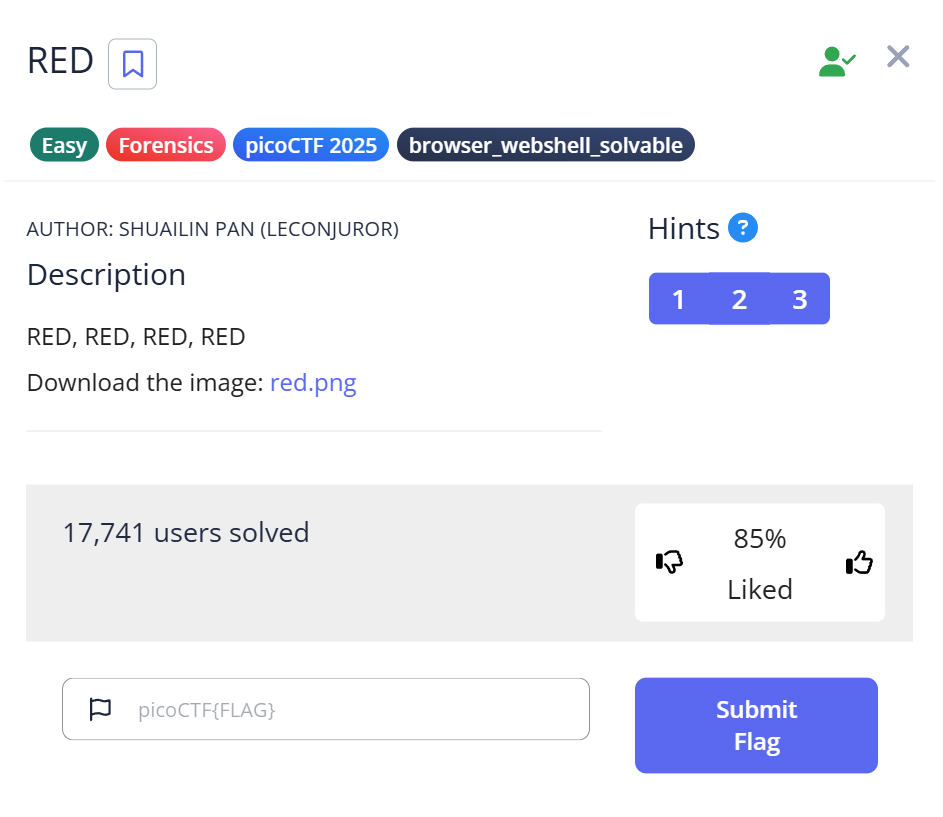
When you first start with CTF Forensics, there’s a common moment of despair: you open an image, it looks perfectly normal, and you think, “Where on earth is the flag hidden?” In this article, I’ll walk you through the picoCTF challenge “RED.” Beyond just giving you the commands, I want to share the “why” behind each step—the trial, the error, and the “Aha!” moment that led to the flag.
1. Why I’m Writing This Guide
For beginners, image challenges often feel like “magic.” You run a tool, and a flag appears. But the real skill is strategy: knowing which tool to use, in what order, and how to interpret cryptic hints. I spent way too much time running strings on garbage data when I started; I wrote this to help you avoid those same rabbit holes.
2. The Investigation Workflow (Trial & Error Log)
Most writeups show a straight line to the answer. Real hacking is a zigzag. Here is how my thought process actually looked:
| Step | Action | Logic & Realization | Result |
| Observation | Open red.png | A 128×128 red square. “Visual stego” is unlikely here. | Continue |
| Validation | file command | Check for file extension spoofing. It’s a real PNG. | OK |
| Probe 1 | strings | Looking for plaintext flags. Found nothing but binary noise. | Fail |
| Probe 2 | exiftool | Found a suspicious “Poem” field in the metadata. | Breakthrough |
| Analysis | Acrostic Reading | The first letters spell “CHECKLSB”. | Path Found |
| Extraction | zsteg (LSB) | Extracted a Base64 string from the pixel bits. | Success |
| Decoding | Base64 Decode | Translated the cipher into the final flag. | GOAL |
3. Hands-on: Forensic Methodology
Step 1: Trust No Extension (The Magic Bytes)
Before diving into complex tools, verify the file type. Hackers love hiding ZIP files inside JPGs.
Bash
$ file red.png
red.png: PNG image data, 128 x 128, 8-bit/color RGBA, non-interlaced
Insight: The file command ignores the .png extension and looks at the Magic Bytes (the binary signature). For a PNG, this is always 89 50 4E 47. Since it matches, we know our standard image tools will work.
Step 2: Hunting for Metadata “Glitches”
I used exiftool to check the “Resume” of the file—who made it, when, and any hidden comments.
Bash
$ exiftool red.png
...
Poem : Crimson heart, vibrant and bold,.
Hearts flutter at your sight..
Evenings glow softly red,.
Cherries burst with sweet life..
Kisses linger with your warmth..
Love deep as merlot..
Scarlet leaves falling softly,.
Bold in every stroke.
The “Stuck” Moment: Initially, I thought the colors mentioned in the poem (Merlot, Scarlet) were hex codes. I wasted ten minutes converting colors to RGB. Then I looked at the structure. In CTFs, unusual formatting is a billboard pointing to the answer.
By reading the first letter of each line:
C-H-E-C-K-L-S-B
The message was clear: Check the LSB.
Step 3: Deep Dive into LSB Analysis
LSB (Least Significant Bit) steganography hides data in the smallest unit of color information. Changing the last bit of a pixel’s color value from a 0 to a 1 is invisible to the human eye, but computers can read it perfectly.
I used zsteg, a specialized tool for detecting these patterns in PNGs.
$ zsteg red.png
...
b1,rgba,lsb,xy .. text: "cGljb0NURntyM2RfMXNfdGgzX3VsdDFtNHQzX2N1cjNfZjByXzU0ZG4zNTVffQ=="
Real-World Context:
Why does this matter? Steganography isn’t just for games. It’s used in malware C2 (Command & Control) communications. By hiding instructions inside innocent-looking images on social media, malware can bypass traditional firewalls that only look for suspicious text.
Step 4: The Final Decode
The string cGlj... ended in ==. This is the “smoking gun” signature of Base64 encoding. I used a quick Python snippet to reveal the prize:
import base64
cipher = "cGljb0NURntyM2RfMXNfdGgzX3VsdDFtNHQzX2N1cjNfZjByXzU0ZG4zNTVffQ=="
print(base64.b64decode(cipher).decode())
Result:
picoCTF{r3d_1s_th3_ult1m4t3_cur3_f0r_54dn355_}
4. Troubleshooting & Pro-Tips
If zsteg doesn’t yield results in your next challenge, try these pivots:
- StegSolve: A GUI tool that lets you flip through color planes manually. Great for when the data isn’t in a standard LSB format.
- Strings Tuning: Use
strings -n 10to filter out short, random noise and find longer hidden strings. - Hex Editor: Use
hexeditorto look past theIENDchunk. Sometimes data is simply appended to the end of the file.
5. Summary of Lessons Learned
- Don’t Ignore the “Flavor Text”: The poem wasn’t just decoration; it was the map.
- Tool Orchestration: Forensic success comes from connecting the output of one tool (
exiftool) to the input of the next (zsteg). - Identify Encodings: Recognizing Base64 at a glance saves you hours of confusion.
What’s next? If you enjoyed this, you should try challenges involving binwalk to find files hidden inside other files!
Further Reading: Level Up Your Forensic Skills
Mastering basic image analysis is just the beginning. To transition from a beginner to a specialized forensic investigator, I recommend tackling these three challenges next. Each one builds on the logic we used today but introduces a new technical hurdle.
1. The Art of File Repair: Corrupted File
The logical next step after image analysis is learning how to deal with files that refuse to open. In this writeup, you’ll learn how to use a hex editor to manually repair corrupted file headers (magic numbers). If the file command ever tells you a document is just “data,” this guide will show you how to perform the “digital surgery” needed to bring it back to life. Read more: How to Repair Corrupted Files in picoCTF
2. Speed and Efficiency: Scan Surprise
Sometimes the answer is staring you right in the face, but the challenge lies in how you handle the data. This article covers the Scan Surprise challenge, where you encounter QR codes. It’s a great lesson in shifting your perspective—moving from deep bit-level analysis to identifying common data formats quickly and using the right automated tools to save time during a competition. Read more: Rapid QR Code Analysis in Scan Surprise
3. Advanced Logical Deduction: Ph4nt0m 1ntrud3r
If you’re ready for something more complex, this writeup explores the hunt for a “ghostly” intruder. It moves beyond simple file inspection and into the realm of logical reconstruction. You will learn how to piece together fragmented evidence and use deductive reasoning to track down an attacker, a skill that is highly valued in real-world Incident Response (IR) roles. Read more: Investigating the Ph4nt0m 1ntrud3r